Crew Wars in Net a Fish
When to join a crew, Hub menu tips, boss roles, and how personal power feeds group play.
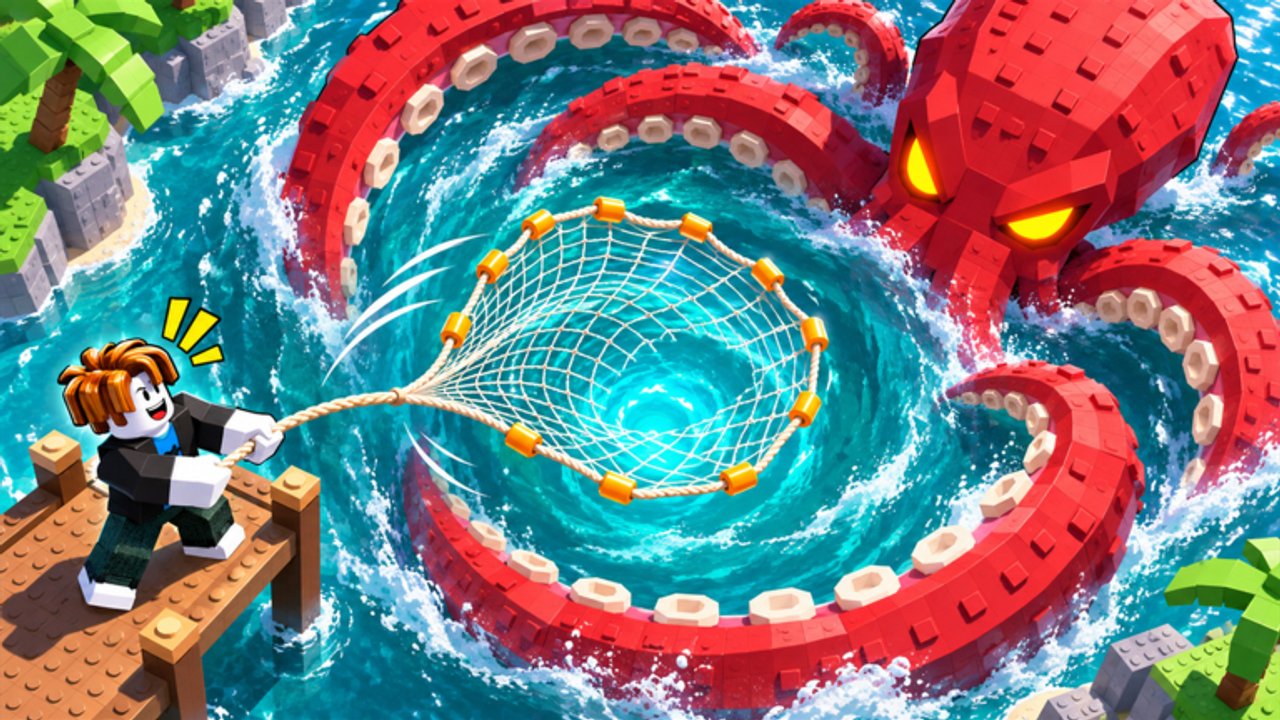
Crew Wars is the group endgame layer in Net a Fish! by UpdatesDev. The game pitch itself highlights joining a Crew to battle in Crew Wars, surviving Megalodon, and catching Kraken. Servers hold eight players, so coordination matters more than raw solo spam once your personal dock already prints cash. This guide explains when to join a crew, how to open the Crew UI from the Hub, how personal progression still funds crew play, and how to split roles during boss windows without inventing undocumented war scores.
When Crew Wars is worth joining
Treat Crew Wars as optional high-engagement content, not a day-one requirement. Personal progression should come first: nets, showcase pool income, helpers, rebirth ranks, pets, and Traits. Join a Crew once your showcase is earning steadily and you can stay online for boss or war windows without wiping your upgrade plan. If you are still grinding toward Titanium or Mythril nets, or recovering from a cash reset, stay solo until the dock recovers. The Players Hub maps playstyles; this page focuses on the crew layer itself.
Crews shine when friends share a server and call timers together. Eight-player lobbies fill quickly during peaks, so a stable crew chat reduces the chance that strangers ignore a Megalodon alert while shopping. You still keep personal nets, pets, rebirth multipliers, and showcase fish—crew membership does not replace those systems.
Opening the Crew UI
Access the Crew menu from the Hub / crew panel in-game. Read every tooltip before you create or join. Exact war scoring, contribution formulas, and reward tables are not fully documented outside the client, so treat the Crew menu tooltips as the source of truth for your current build. After large patches, recheck Updates and reopen the same panel rather than trusting old Discord screenshots.
Use the Hub path for invites, member lists, and any war status the game surfaces. If a button looks like trading or item transfer, pause and apply the scam rules in the trading section below. Never share your Roblox password, and never trust a player who asks you to leave the experience to “verify” a crew reward.
Personal power still feeds the crew
Fishing upgrades, showcase profits, and helpers (Fisherman, Boat, Spear Gun) still matter during crew play. A weak personal dock contributes less to group pressure even if you sit in the right voice channel. Keep casting, keep the showcase filled with high-value fused fish, and keep helpers online so AFK gaps do not erase your contribution between fights.
Prioritize the same solo ladders you already know:
- Net and fishing upgrades from the Upgrades guide so rarity caps match the fish and bosses you face.
- Rebirth timing and Skill Tree points from the Rebirth guide—Crew and Dock nodes help helpers once Luck and Net feel stable.
- Traits after Storm Chaser; see the Traits guide for equip priorities when that system is live.
- Pets and crates so hunters keep working while you call crew timers—redeem Codes when boosts and crates are active.
- Optional Robux quality-of-life on Game Passes if you want Auto Collect or money multipliers during long war sessions.
Codes and pets raise personal dock power that feeds crew contribution. Skipping crates or letting timed Money/Luck boosts expire during a quiet wait for war is a common waste.
Boss windows: Megalodon, Kraken, and roles
Pair crew nights with the Bosses guide and the event timers on Events so you know when Megalodon and Kraken windows are worth a full party. Do not open undergeared bosses right after a rebirth cash wipe. Rebuild nets first, then hunt.
A practical role split many crews use:
- Spear Gun focus: one player stays on the Spear Gun turret pressure for Megalodon so the shark takes consistent damage while others stay mobile.
- Net casters: everyone else keeps nets casting through Kraken waves and supporting hauls so loot and fish counters keep moving.
- Caller: one voice or chat lead watches Hub alerts, Wave Rush warnings, and boss spawns so the group does not split between Market and water.
Adjust roles to your roster. If only two friends are online, alternate Spear Gun and casting instead of forcing a full eight-player plan. Helpers and Boat upgrades still automate shoreline work while humans focus the named threat.
Trading, scams, and Hub caution
Trading may appear in Hub UI. Treat every trade as high risk until you understand the exact prompt. Common red flags: players rushing you, asking you to equip valuables “for a screenshot,” demanding off-platform payment, or requesting your password for a “crew officer” rank. This wiki and UpdatesDev will never ask for your password. If something feels off, close the trade, leave the Hub panel, and report through Roblox tools.
Keep high-value pets, fused showcase fish, and limited rewards locked to accounts you control. Crew Wars rewards never justify sharing login details with a stranger who claims they can “boost your war score.”
Session plan for a crew night
A clean crew session looks like this:
- Redeem active codes and equip best pets.
- Confirm nets, Spear Gun, Fisherman, and Boat are upgraded enough for the night’s goal.
- Open Crew UI from the Hub, read current war/tooltips, and sync voice or chat.
- Fish personal Wave Rush or river events first if a cash or rarity gate is nearly met—see Events.
- Commit to Megalodon or Kraken with assigned roles; keep casting between phases.
- After the fight, fuse duplicates, refresh the showcase, and check rebirth meters before another push.
Between wars, return to solo systems. Browse the Guides Hub for walkthroughs, watch Updates for scoring or boss changes, and only use trusted tooling notes on Scripts if you need click assistance during long casts. Crew Wars rewards engagement with friends; it does not replace a strong personal showcase.
Honest limits of this guide
Exact Crew Wars scoring, matchmaking rules, and reward curves can change between UpdatesDev patches and are often only shown inside the Crew menu. Where this page stays general, open the in-game tooltips and trust those numbers over any fan summary. Revisit this guide after major drops, keep personal progression ahead of social goals, and use crews to coordinate the bosses and wars you already geared for.
Frequently Asked Questions
Quick answers for Net a Fish players.
When should I join a Crew in Net a Fish?
Join after your personal showcase earns steadily and your nets, helpers, pets, and rebirth plan are stable. Crew Wars is optional high-engagement content, not a beginner unlock.
Where do I open the Crew UI?
Use the Hub / crew menu in-game. Read the live tooltips for war status and rules—exact scoring is not fully documented outside that panel.
Do fishing upgrades and helpers still matter in Crew Wars?
Yes. Showcase profits, nets, Fisherman, Boat, Spear Gun, codes, and pets all raise personal dock power that feeds crew contribution during wars and boss windows.
What roles work for Megalodon and Kraken?
One common split: one player focuses Spear Gun turret pressure on Megalodon while others keep nets casting through Kraken waves. Pair with the Bosses and Events guides for timing.
Is trading in the Hub safe?
Treat Hub trading as high risk. Never share passwords, never leave the experience to “verify” rewards, and close any rushed or off-platform deal.
Where can I find exact Crew Wars scoring?
Open the in-game Crew menu tooltips after each update. Fan pages cannot invent undocumented formulas; trust the client UI and the Updates hub for patch changes.