Getting Started in Net a Fish
First-hour checklist from your first cast to a steady showcase income.
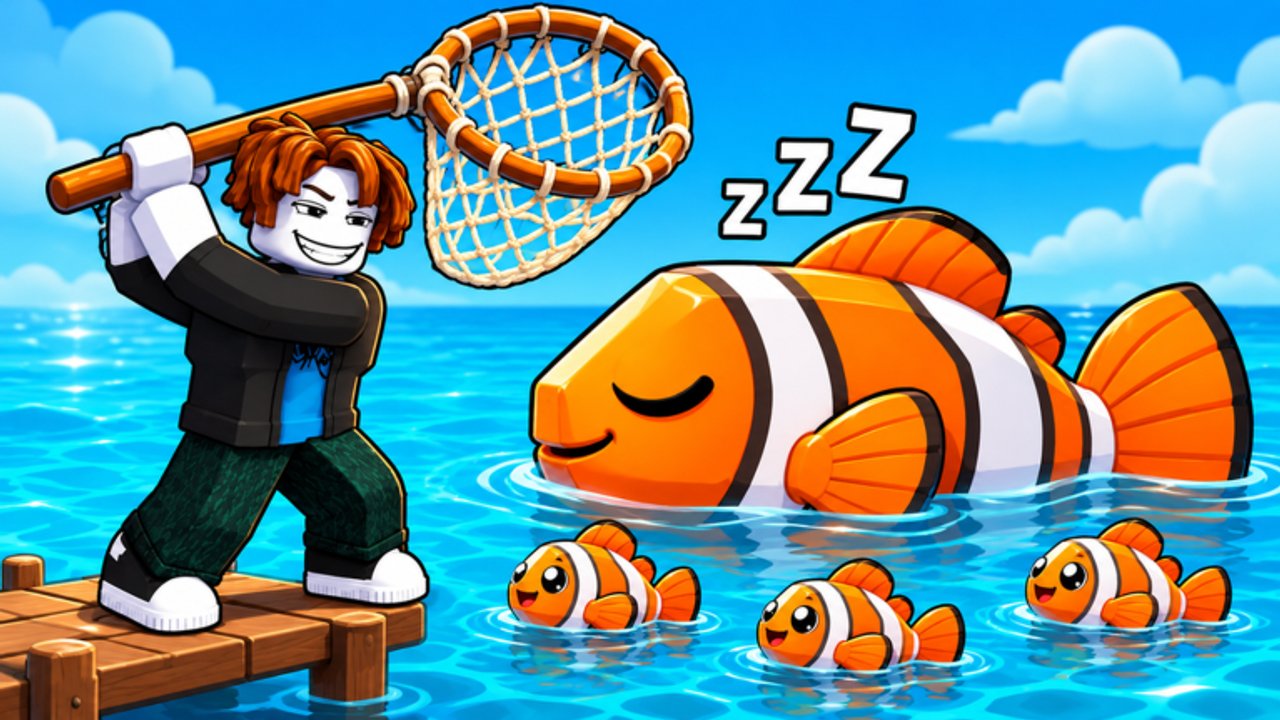
Net a Fish looks simple on the surface: stand near water, throw a net, haul fish, make money. The players who pull ahead in the first hour understand that showcase pool income, not raw selling, is the main cash engine. This getting started guide walks you from spawn through your first upgrades, codes, and the prep work for rebirth without wasting early cash.
Spawn, move, and catch your first fish
Load into the Roblox experience by UpdatesDev and complete any short tutorial prompts. Movement uses WASD, Space jumps, and E interacts with docks, menus, and world objects. To fish, stand near water and press C or the throw-net action so the net deploys. Wait for the fill meter to climb, then reel in. Early casts will mostly return common fish. That is fine. Your goal is volume and learning the cooler UI, not chasing Mythics on cast one.
After the first successful catch, the Codes button becomes available. Leave the water for a moment and redeem every active code listed on the Codes hub. Milestone codes often grant Ocean Crates, short 2x Money or 2x Luck timers, and income bursts that jump-start your first upgrades. Codes are case-sensitive; paste them exactly.
For a full keybind and UI map, keep the Controls page open in another tab while you learn the dock layout.
Showcase pool is your real income
Open your Fish Cooler and place your best fish into the showcase pool. Displayed fish pay cash every second, including while you are offline within the game’s offline rules. Selling everything for a one-time pile of cash feels good once and then stalls your progression. Keep duplicates when you can; they feed Fusion later. Use Equip Best when the cooler offers it so your highest-value lineup stays on display.
Refresh the showcase whenever you catch something clearly better than a slot you are displaying. Leaving a weak common in the pool while a stronger rare sits in storage is the most common early mistake. For rarity priorities, skim the fish rarity tier list once you start seeing uncommon and rare tags.
First purchases: nets before vanity
Open Upgrades and focus on the Nets tab first. The early tip many players follow is buying the Cotton Net for about $400. Better nets raise capacity, width, and the maximum rarity you can actually keep. If a fish escapes with a floating label such as “Needs Titanium Net,” that is your signal that the catch rolled above your current rarity cap.
Do not dump every dollar into Market cosmetics or low-impact helpers before your net and basic fishing luck are online. The Upgrades guide covers the full Nets, Fishing, and Market order. As a rule of thumb for hour one: net tier, then luck or capacity fishing upgrades that raise haul size, then a cheap helper only if cash is overflowing past your next net goal.
Titanium Net at roughly $45,000 is the Legendary gate. Mythril Net is the later Mythic gate. You will not afford those in the first minutes; treat them as mid-session targets funded by showcase income plus event windows.
Helpers, boats, and early automation
Helpers such as the Fisherman, Spear Gun, and Boat catch or deliver fish while you cast. They shine after your net can hold the rarities you care about. Upgrading helpers before your net often means they farm commons you will fuse or sell anyway. Pets are a separate system hatched from crates; do not confuse them with helpers. When you open your first crate from codes, read Pets and Crates before spending Robux on the +1 Pet Slot pass.
Aim toward the first rebirth
Your first rebirth needs 48 fish caught all-time and $30,000 cash held at confirmation. Confirming rebirth sets cash to $0. Fish count persists. Rank moves from Deckhand toward Angler with a higher money multiplier. Before you press confirm, buy the Cotton Net if you still lack it, spend only what keeps you above $30,000, then rebirth. Full thresholds and later ranks such as Storm Chaser live in the Rebirth guide.
Events and passes in the first sessions
Every roughly ten minutes, Wave Rush can send tsunami waves with stronger rarity and mutation multipliers. When a TSUNAMI WARNING appears, stop shopping and cast. River events such as Lucky Tide, Gold Rush, and Shimmer Surge are shorter windows that multiply luck, money, or mutations. Details sit on the Events page.
Robux passes such as Auto Throw, Auto Collect, 2x Money, 2x Luck, Big Net, Extra Showcase, and +1 Pet Slot are optional. Compare them on game passes after you understand the free loop. Quality-of-life tooling is summarized on Scripts if you choose to use trusted automation; never enter passwords into third-party sites.
First-hour checklist
- Catch at least one fish, then redeem all Codes.
- Place best fish in the showcase; stop selling your top catches.
- Buy Cotton Net; keep casting toward better nets.
- Fuse early duplicate stacks when you have tens of the same fish.
- Hold $30,000 and 48 all-time fish, then take the first rebirth.
- After rebirth, rebuild nets quickly with the new money multiplier.
Watch the mid-article video for the dock loop, then continue into Upgrades and Fusion. Check Updates after patches. With showcase discipline, your second hour will feel far more productive.
Frequently Asked Questions
Quick answers for Net a Fish players.
When can I redeem Net a Fish codes?
Codes unlock after your first successful catch. Open the Codes UI, paste each code exactly, and claim crates or timed boosts before spending early cash.
Should I sell fish or put them in the showcase?
Showcase your best fish for cash per second. Keep duplicates for fusion. Sell only clear junk once your pool slots are filled with stronger options.
What is the first net I should buy?
Buy the Cotton Net for about $400 early. It is the common first-hour recommendation before you push toward Titanium for Legendary catches.
What do I need for the first rebirth?
Reach 48 fish caught all-time and hold $30,000 cash, then confirm. Cash resets to $0; fish count and progression systems that persist keep counting.
What keys throw the net in Net a Fish?
Stand near water and use C or the throw-net control. WASD moves, Space jumps, and E interacts. See the Controls guide for the full list.